Docs
Core concepts
What a Workcraft app is made of: apps, data sources, pages, the DataStore, flows, workflows, roles, environments and connections.
Workcraft apps are assemblies of a small set of building blocks. This page defines each one and how they connect.
Workspace (tenant)
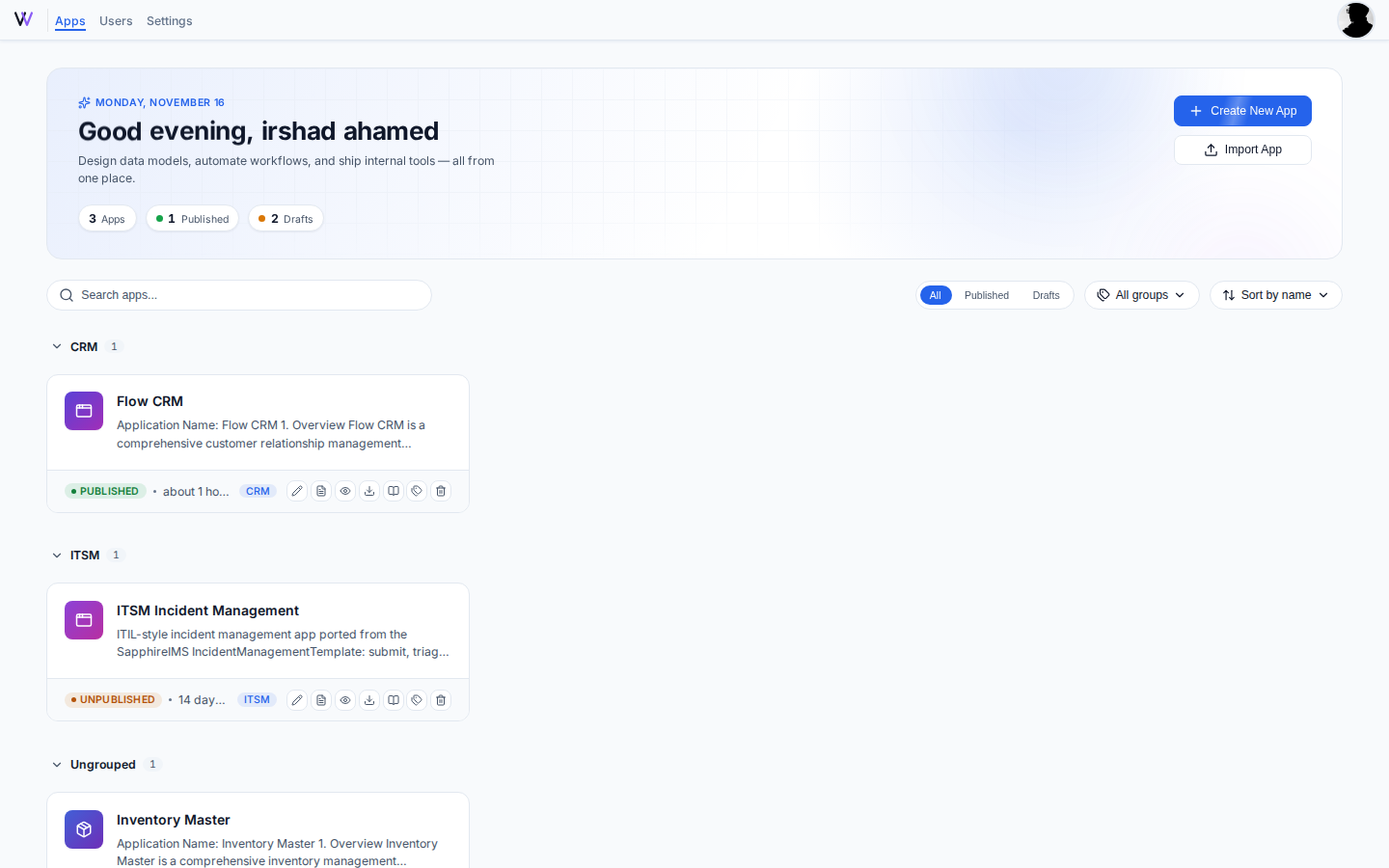
The isolated unit of Workcraft: one organization gets its own apps, users, data, branding, login page and plan limits. Everything you build lives inside a tenant — data never crosses tenants.
App
A deployable application: name, description, status (Unpublished/Published), and collections of everything below. Apps export/import as JSON for backup or duplication.
Data source
A table of structured data. Two families:
- Data tables — defined columns with types (text, number, date, select, ref, user, auto-id…), seed rows, and optional external backends (SQL, REST, MongoDB).
- Form records (DataStore) — rows created when users submit forms; carry full change history, comments, workflow state and system stamps (created by/at, updated by/at).
Tables can be shared across all apps in the tenant. See Data & connections.
Page
A screen users see. Types: form (data entry), list (tables), record view (single-record detail), dashboard (widgets), kanban, calendar, master-detail, chat/chat inbox, doc viewer, and HTML (custom). See Page builders.
Flow (automation)
A visual node graph that runs automatically: triggers (manual, schedule, webhook, form submit, channel events) → action nodes (email, HTTP, databases, integrations, AI) → end. Flows do machine work; they don't assign tasks to people. See Automation flows.
Workflow
A stage-based process for human work — approvals, reviews, pipelines. Records move through stages; assignees get tasks with SLAs, guards, comments and field-level permissions. See Workflows.
Role
Per-app permission sets (read/write/delete/admin) assigned to users. Roles gate menu items, pages, fields, list columns and workflow actions — the "who can do what" layer inside an app. Distinct from platform user types (admin/creator/app user). See Users & roles.
AI app generation
Describe an app in plain language → staged scaffold (requirements → plan → data → pages → roles → menu → flows) → validation → editable result. Also powers in-chat app editing. See AI app generation.
Version control
Git-like branches/commits/merges for app structure — experiment safely, snapshot stable states. See App settings.
Environments
Per-app dev/staging/prod configurations with variables, snapshots, promotion and rollback. See Environments.
Connections
Managed, encrypted credentials (API keys, OAuth, basic auth, databases) referenced by flows, data sources and nodes — secrets stored once, never in app definitions. See Data & connections.
Menu, header, footer
The app chrome: menu = navigation tree with icons, role gating, a default route, optional search, collapsible sections, account footer and quick-create actions; header = logo/title/colors; footer = copyright, social links, colors and optional chat widget.
Knowledge base & AI tools
RAG document stores, reusable AI tools, subagents and MCP server configs that power in-app AI agents and chat surfaces. See AI agents & tools.
How it fits together
Workspace (tenant)
 └── App
      ├── Data sources ──lookup tables feed──▶ form dropdowns
      │      └── Form records (DataStore) ──▶ list / record view / kanban / calendar / dashboard
      ├── Pages ──navigated by──▶ Menu (+ header/footer chrome)
      ├── Flows ──triggered by──▶ schedules, webhooks, form submits, channels
      ├── Workflows ──govern──▶ records through stages with human tasks
      ├── Roles ──gate──▶ pages, fields, actions
      ├── Connections ──credential──▶ flows & external sources
      ├── Environments ──vary──▶ variables & data-source config
      └── Settings ──cover──▶ branding, locales, security, SMTP, versioning, audit