Docs
Channels
Meet users where they work: Slack, Microsoft Teams, SMS/WhatsApp, email, payment and e-signature events, and IMAP polling.
Channels meet users where they already are — Slack, Microsoft Teams, SMS/WhatsApp, email, payment and e-signature events — and can start or continue app work without anyone opening the app. All channel behavior is driven by flows and managed connections; there are no separate app-level channel settings.
How channels work
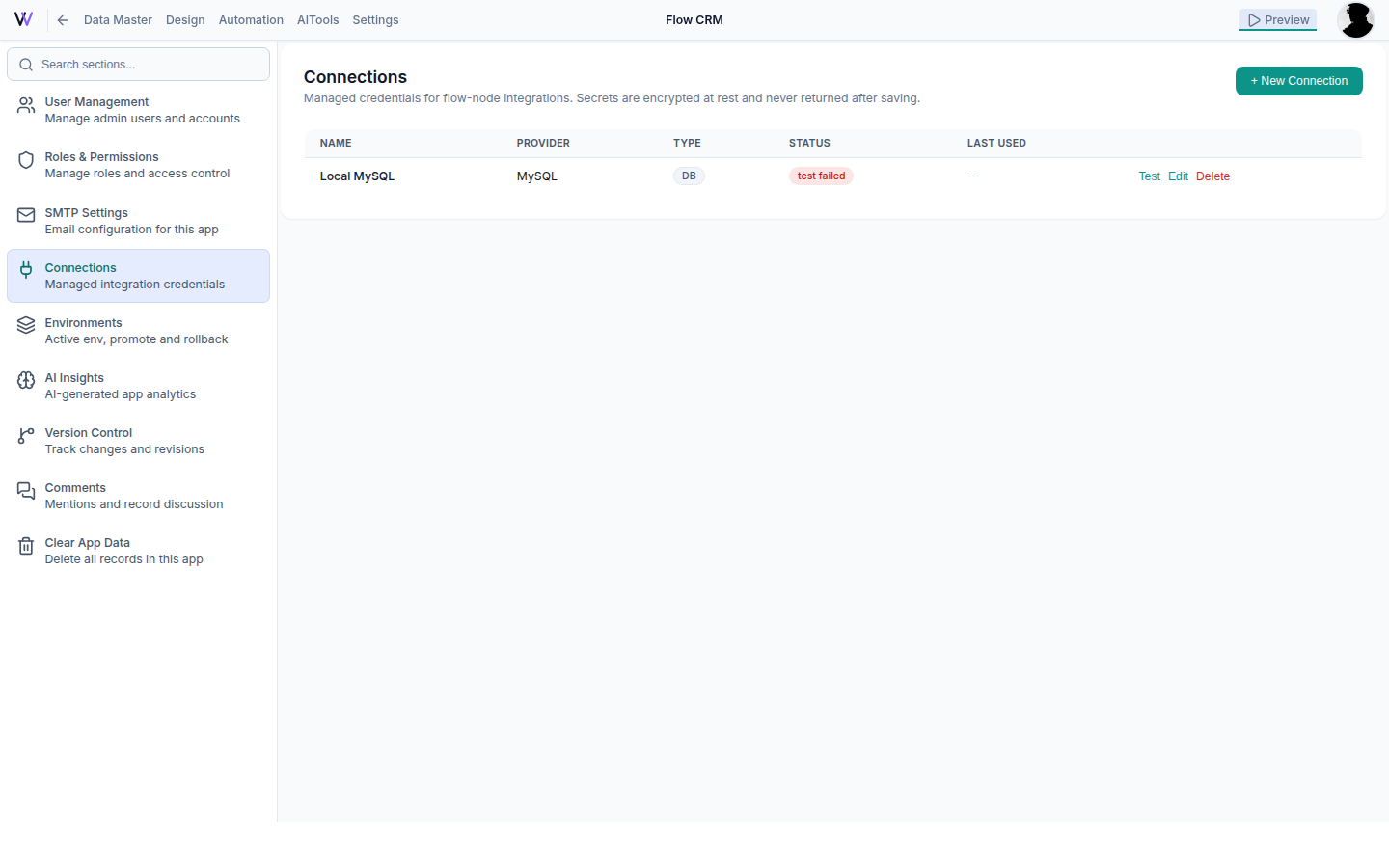
- Create a managed connection for the provider (App Settings → Connections) with its credentials — bot token, signing secret, API keys.
- Point the connection's inbound flow at a flow that should run when an event arrives, or attach it to a chat widget for conversational replies.
- Add channel nodes (Slack, Teams, Twilio…) to flows for outbound messages.
Inbound endpoints verify provider signatures before running the flow, so only genuine events trigger work.
Slack
- Outbound — a
slacknode posts to a channel or DMs a user by email; supports Block Kit formatting and threads. Needs a Slack connection (bot token + signing secret, default channel). - Inbound — DMs and @-mentions arrive on the app's generated inbound endpoint (signature-verified; the URL to give Slack is shown in the builder). If a Slack-enabled chat widget exists, messages continue the widget's conversation (with
$help/$reset/$agentcommands and human-in-loop handoff); otherwise the connection's inbound flow runs. - Setup — create a Slack app with scopes
chat:write,im:write,im:history,app_mentions:read,users:read,users:read.email; set the Event Subscriptions URL shown in the builder.
Microsoft Teams
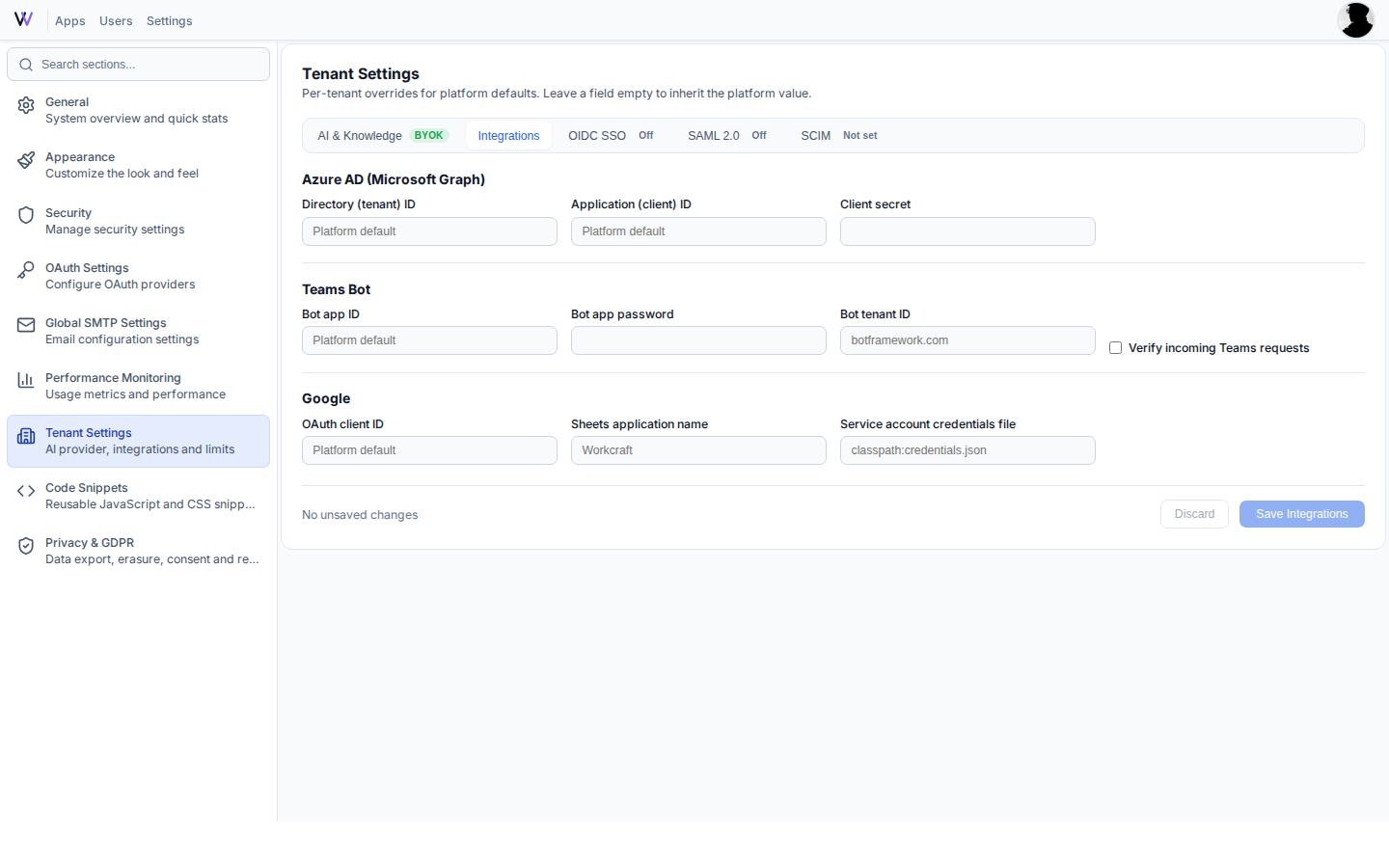
- A Teams bot (Bot Framework) receives native chat messages through the platform's bot endpoint plus a WebSocket channel.
- Messages route to the app's Teams-connected chat page/agent, or to flows — same conversational model as Slack.
- Platform-level bot credentials are deployment config; per-app wiring uses a
teamsconnection (Azure tenant/client ID + secret) and a chat page.
SMS, WhatsApp & voice — Twilio
twilionode: send SMS/WhatsApp, make calls, fetch message/call status.- Inbound SMS arrives on the app's generated, signature-verified endpoint → runs the connection's inbound flow → replies with TwiML text.
Email events — IMAP polling
An imap connection (host, port, username, folder, password secret, inbound flow) is polled on a schedule; each unseen message runs the flow with sender/subject/body in formData. Enable with the deployment's imap.inbound.enabled flag.
Payments & e-signatures
- Stripe — outbound node for payment intents, customers, refunds, Checkout; inbound events on the app's generated endpoint verify the Stripe signature (needs a webhook secret on the connection) and run the inbound flow with the event payload.
- DocuSign — envelopes, templates, recipients; inbound Connect events on the app's generated endpoint (needs a connect secret) trigger the inbound flow — e.g. "envelope completed → update record".
- Razorpay — orders, payments, refunds, payment links (outbound node).
Example: Slack approval request
- Slack connection with bot token + signing secret; inbound flow = "Slack Triage".
- Workflow stage action or form-submit flow posts to Slack via the
slacknode: "Leave request from {{name}} — approve?" - A reply in the Slack thread continues the chat-widget conversation or hits the inbound flow, which can call a
workflownode to execute the Approve transition.
Plan note: Slack/Teams channels are Starter+; inbound channel webhooks are Pro+. See Plans & limits.