Docs
Automation flows
The visual flow designer: triggers, scheduling, the node catalog, variables, debugging, audit logs and inbound webhooks.
Flows are Workcraft's automation engine: a visual graph of nodes wired by edges, triggered manually, on a schedule, by a webhook, or by an inbound channel event. Flows send email, call APIs, read and write data, run AI agents, and orchestrate multi-step jobs.
Anatomy of a flow
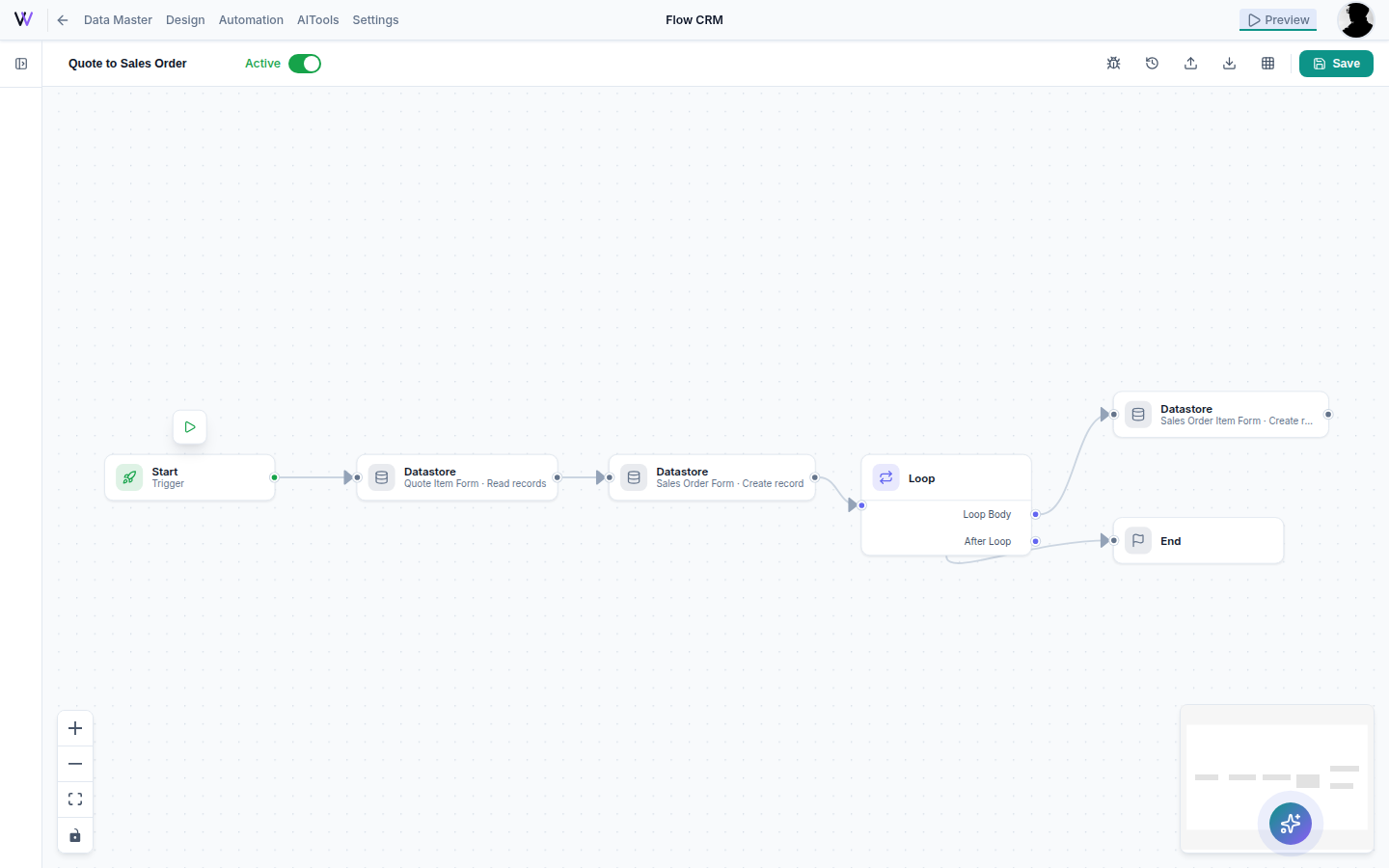
- Start node — the entry point. Chooses the trigger: manual, scheduled, or webhook.
- Action nodes — the steps: email, HTTP webhook, database queries, AI agents, conditions, loops, sub-flows, and 40+ integration nodes.
- End node — returns the final result.
- Edges — connect nodes;
if/elsebranches use labeled outputs (condition paths + default).
Open a flow in the designer, drag nodes onto the canvas, wire them, and configure each node's panel on the right.
Triggers
| Trigger | When it runs | Configuration |
|---|---|---|
| Manual | When a user or another flow invokes it | Optional input parameters |
| Scheduled | On a Quartz schedule | Interval, daily, weekly, cron, or once |
| Webhook | On an inbound HTTP call | Generated endpoint + secret |
| Form submit | When a bound form saves a record | Pick the form/table |
| Inbound channel | Slack, Teams, SMS, Stripe, DocuSign, email events | Via a managed connection — see Channels |
Schedule types
- Interval — every N minutes.
- Daily / weekly — at a set time on a set day.
- Cron — a full cron expression for anything else.
- Once — a single future timestamp.
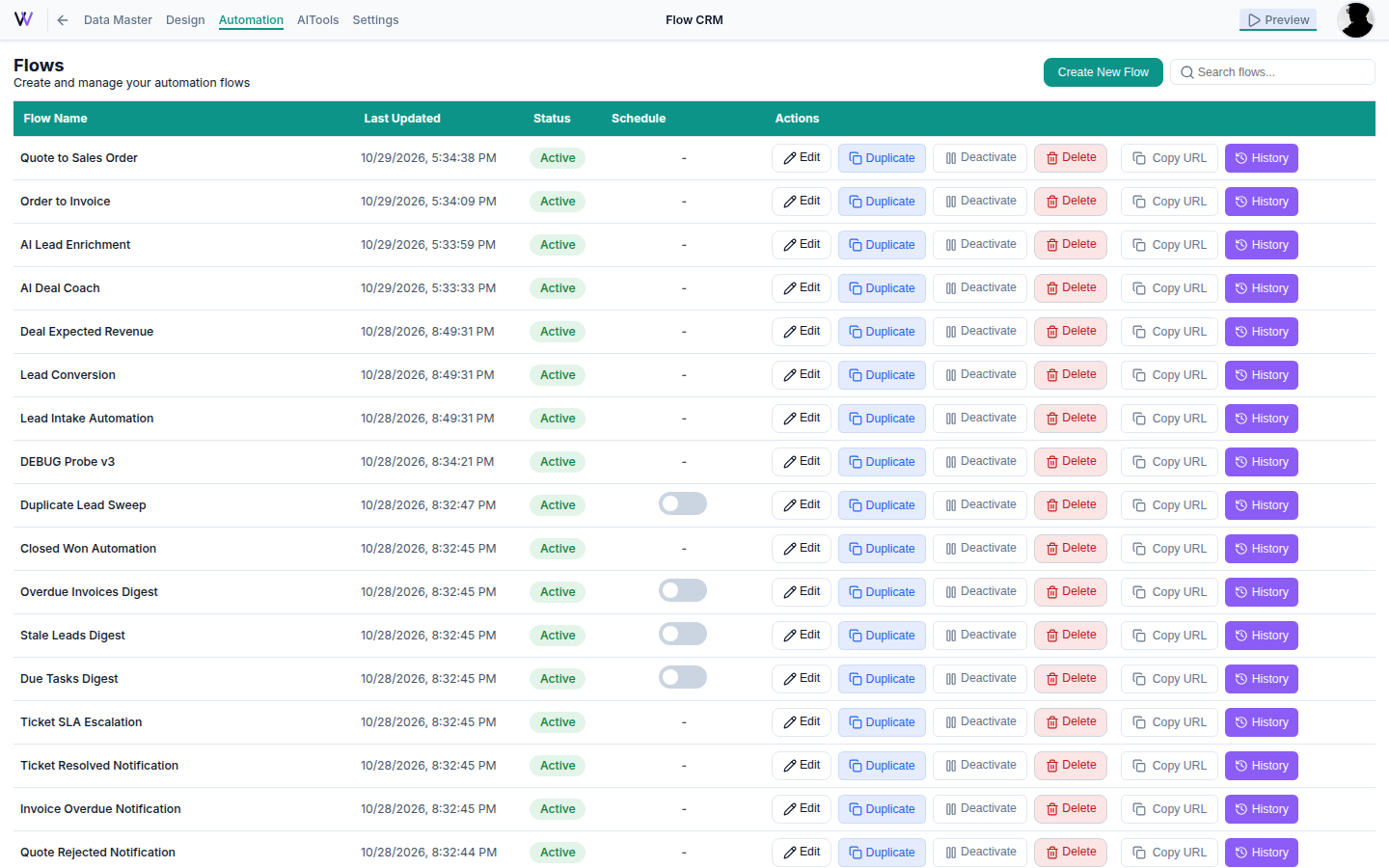
Schedules persist across restarts; scheduled flows count against your plan's schedule quota (shared with scheduled imports).
Node catalog
Node types fall into families. The palette in the designer groups them; this is the overview map — the flow node reference lists every node with its operations.
Core
| Node | Does |
|---|---|
| Start / End | Entry and exit; carry input parameters and final output |
| If/Else | Branch on expression conditions — each condition gets an output handle, plus a default path |
| Loop | Repeat over a count, a collection, or while a condition holds (with max iterations) |
| JavaScript | Run a script; return values feed later nodes via ${nodeId.key} |
| Sub-flow | Run another flow as a step |
| Webhook (outbound) | HTTP request to any URL — method, headers, body; private/loopback hosts are blocked |
| Jolt | JSON-to-JSON transformation |
Communication
| Node | Does |
|---|---|
| Send email via the app's SMTP settings or a template | |
| Slack / Teams | Post messages, DMs, Block Kit / adaptive cards via a connection |
| Twilio | SMS, WhatsApp, voice calls |
| SendGrid / Gmail | Transactional email; Gmail send/search/read/modify |
| Microsoft 365 | Outlook mail, OneDrive, SharePoint, Excel via Graph |
Data
| Node | Does |
|---|---|
| DataStore | Read/write form records: getRecords, getRecord, create, update, delete — with search filters and field mappings |
| Data table | Read/write raw data table rows: getRows, addRow, updateRow, deleteRow |
| Mongo / MySQL / SQL / Oracle | Query external databases (prefer bound parameters — see security note) |
| Redis | Cache get/set/delete with TTL |
| Google Sheets / Airtable | Read/write sheet ranges and Airtable records |
Enterprise integrations
Salesforce, Jira, HubSpot, ServiceNow, Zendesk, SAP (OData), Workday, NetSuite, Stripe, Razorpay, DocuSign, GitHub, AWS (S3/SQS/SNS/SES) — each is a node offering the common operations (query, get, create, update, delete, plus provider-specific extras) against a managed connection.
AI
| Node | Does |
|---|---|
| OpenAI / Anthropic / Gemini / Perplexity / OpenRouter / HuggingFace | LLM calls with system prompt, user prompt, temperature, max tokens |
| Ollama / LM Studio | Local models via your endpoint |
| RAG | Retrieval-augmented query against a knowledge base |
| Embedding / Vector DB / Document upload | Build and query vector indexes |
| Speech-to-text / Text-to-speech | Audio in and out |
Chat & misc
chatinput pauses a flow to ask the user a structured question; messageinput/chatresponse emit chat messages; pdf generates documents; filewriter writes files; meshcentral manages devices; oauth runs auth flows.
Note: a few nodes exist in the palette but aren't executable yet (Google Calendar/Drive/Workspace, Notion, Elasticsearch, generic Postgres/SQL, decision-rule) — the designer marks them; don't build production flows on them.
Variables and data passing
Node outputs are referenced with ${nodeId.path} — e.g. ${step-1.total} or ${formData.data.email} for submitted form fields, ${body.data.x} for raw webhook payloads. Placeholder strings like {{field}} are rewritten to these references at build time.
Security: when a node accepts caller-controlled text (webhook bodies, form input), bind it as a parameter (? placeholder) rather than splicing it into SQL/queries — the platform quotes it as data. Outbound HTTP is restricted to http/https and public hosts.
Debugging and audit
- Debug mode — run a flow step by step: set breakpoints on nodes, pause, inspect each step's input/output/timing in the debug panel (data diffs, step detail, timeline), then resume or step over.
- Execution details page — every run gets a details view listing per-node status, inputs, outputs, errors and duration; open it from the flow's run history.
- Execution history / audit — runs are logged to the flow audit log (read access is plan-gated on some tiers — see Plans & limits).
- Test with real-ish data — seed a record or POST a webhook payload, then watch the trace; chat flows can be tested by sending a message in the widget.
Common patterns
- Notify on submit — form-submit trigger → if/else on status → email + Slack post.
- Approval chain — form-submit → datastore update → notification flow (the human approval itself lives in Workflows).
- Scheduled digest — daily trigger → datastore getRecords → JavaScript summarise → email.
- Sync to external system — form-submit → JavaScript shape payload → webhook POST.
- AI triage — chat page or inbound message → LLM node → datastore write → chatresponse.
- Maintenance job — weekly trigger → query old records → archive/update → summary email.
For chat pages, the backing flow receives the message as ${message}; end it with messageinput/chatresponse nodes so the widget shows a proper reply.