Blog · 2026-11-18
Inside Workcraft's multi-tenant architecture — subdomains, context, and isolation
How a request to yourteam.workcraft.app finds its tenant, how the membership check — not the subdomain — is the real boundary, and how every document carries the tenant's stamp.
Sign up for Workcraft and you don't just get an account — you get a tenant: your own workspace at your own subdomain, with its own users, apps, branding, sign-in providers, and limits. That's the promise on the tin. This post is about what happens underneath when a request hits yourteam.workcraft.app — how the platform figures out whose data you're allowed to touch, and how it keeps fifty workspaces apart inside one system.
The tenant is a first-class record
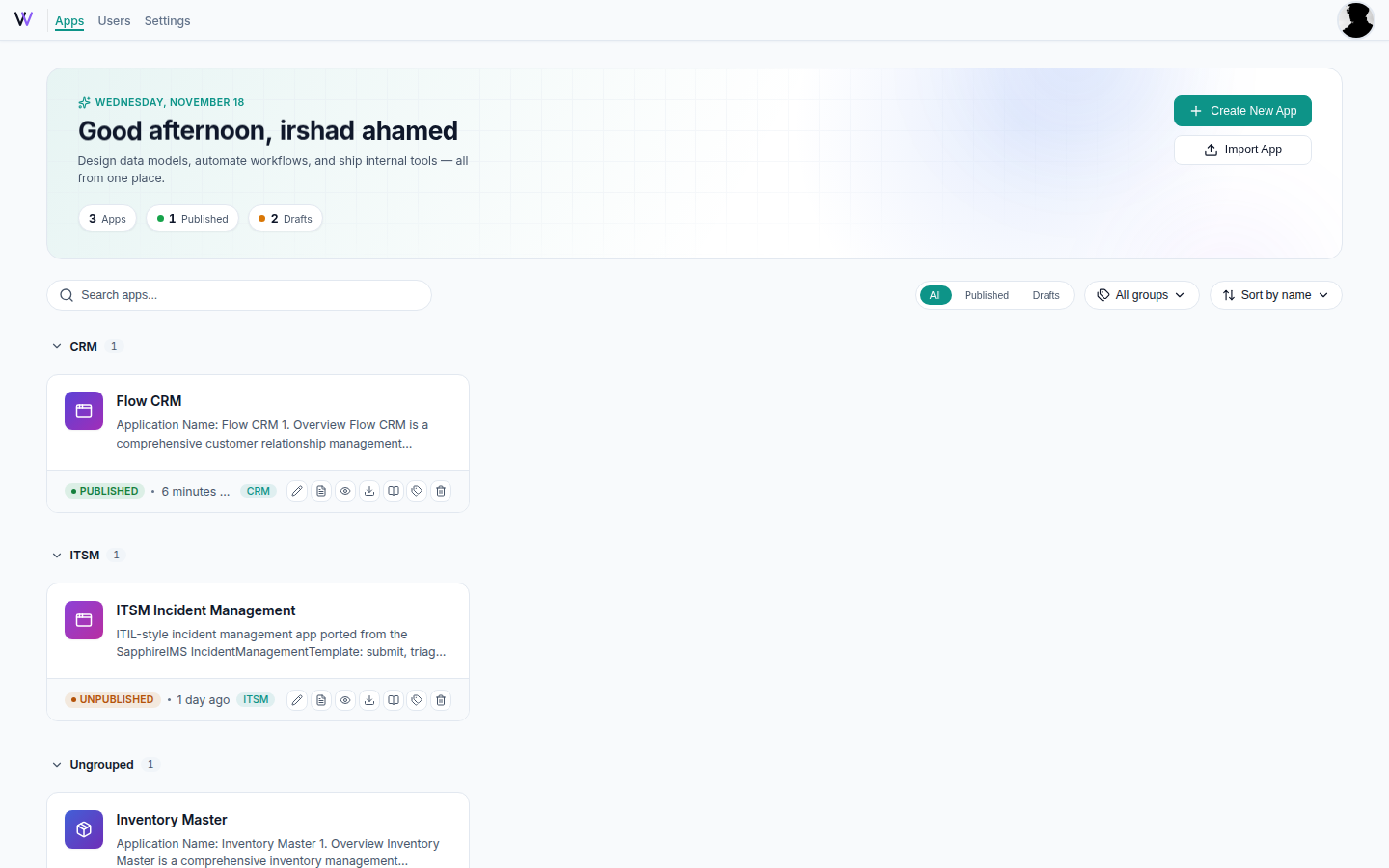
Before anything can be isolated, the tenant has to exist as a real object. Every workspace is a tenant document with a unique subdomain, an approval state, a plan, and its own limits — users, apps, workflows per app, automation flows, managed connections, schedules, and monthly AI generations.
New registrations land as pending. A master admin approves them before the workspace goes live (deployments can flip this to auto-approve — that's how the managed cloud onboards instantly). The same record carries the tenant's plan and subscription state, plus per-tenant overrides that let a custom deal grant or revoke specific features on top of the plan's defaults.
Every request answers one question first: whose tenant is this?
Here's the request lifecycle in plain terms. When a call arrives, the platform resolves a tenant for it — checking, in order:
- An explicit tenant hint on the request (used by API clients and tooling that can't rely on hostnames).
- The subdomain — the first label of the hostname you connected to.
- Your signed session token, which carries the tenant you authenticated into. This is the fallback that keeps plain-IP and bare-domain deployments working.
Then the important part: the check, not the resolution, is the security boundary. Before the request proceeds, the platform verifies the signed-in user actually belongs to the resolved tenant — a membership lookup, cached so it doesn't hit the database on every call. Picking a different subdomain doesn't get you into someone else's workspace; it just selects which tenant you're asking for, and the membership check still answers no.
One request, one tenant, then it's gone
The resolved tenant lives in a per-request context for the duration of that call — and only that call. When the request finishes, the context is cleared, so the next request landing on the same server thread starts with a blank slate. There's no ambient "current tenant" floating around the process for one workspace's work to bleed into another's.
Isolation is a stamp on every document
On self-hosted deployments — available on request — the model is shared-database, shared-collection: every piece of tenant-owned data — apps, users, records, connections, chat sessions, audit entries — carries the tenant's stamp, and every query the platform runs is scoped by it. Fetch an app's list, look up a user, load a connection: the tenant is part of the question, not an afterthought.
That's worth being precise about, because it tells you where the wall is. Isolation on a self-hosted instance is enforced in the application layer on every read and write — not by giving each tenant a separate database engine. The managed cloud takes the stricter option: each cloud deployment is self-contained, so a tenant's data doesn't share a database with anyone at all.
When there's no request: webhooks and scheduled jobs
The request-scoped model has an obvious gap — a lot of platform work doesn't arrive as a user request. An inbound Slack message, a Twilio delivery receipt, an SLA timer firing at 3am: no browser, no session token, no subdomain. These paths resolve tenancy from the thing being acted on — the channel endpoint looks up which tenant owns the app or connection the event targets, sets that tenant's context for the job, then puts the previous context back. Scheduled scans do the same per app they touch. The rule survives even where the mechanism changes: no work runs without knowing whose work it is.
Per-tenant everything else
Isolation isn't just rows — each tenant can behave like a different product:
- Sign-in: per-tenant Google and Microsoft OAuth apps, plus enterprise SSO (OIDC and SAML) and SCIM provisioning on enterprise plans — all configurable per tenant from security settings.
- AI keys: bring-your-own provider settings per tenant — endpoint, model, fallback model, temperature.
- Mail: per-tenant SMTP, with the password stored encrypted.
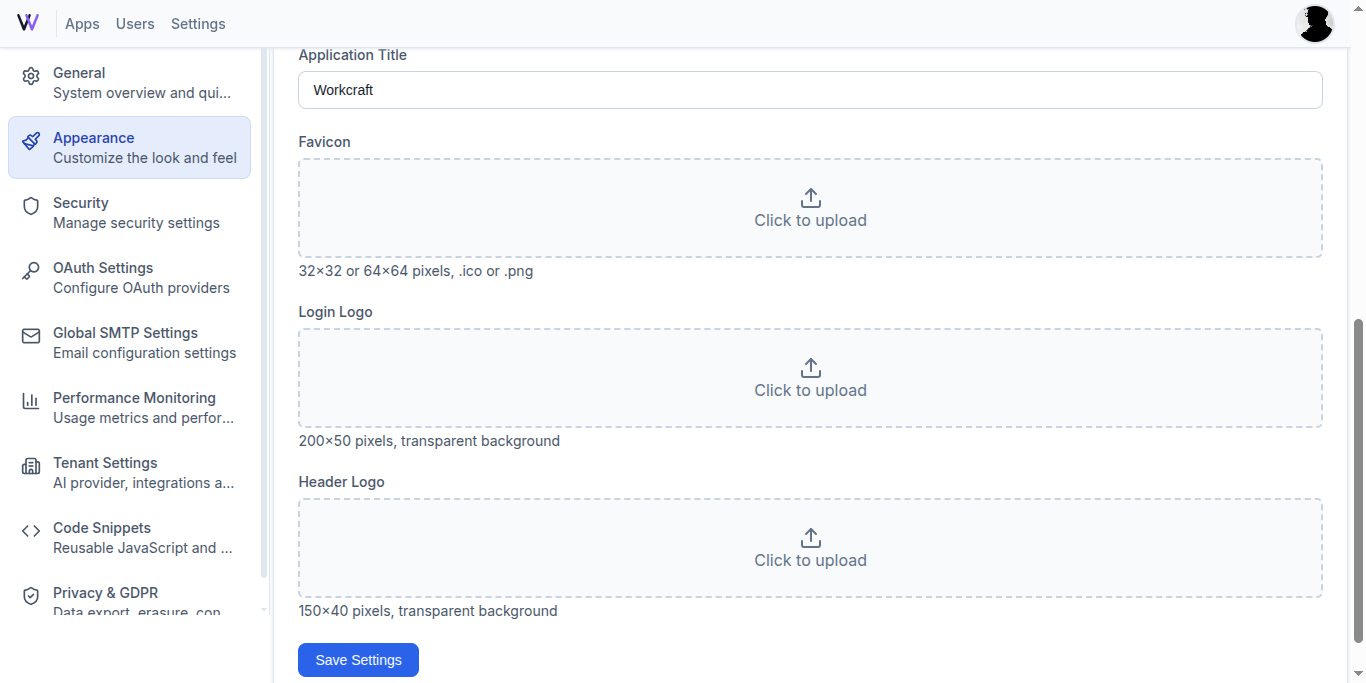
- Surface: per-tenant logo, branding, and a login page you design yourself — plus per-tenant IP allow-lists and a Teams bot configuration if you want one.
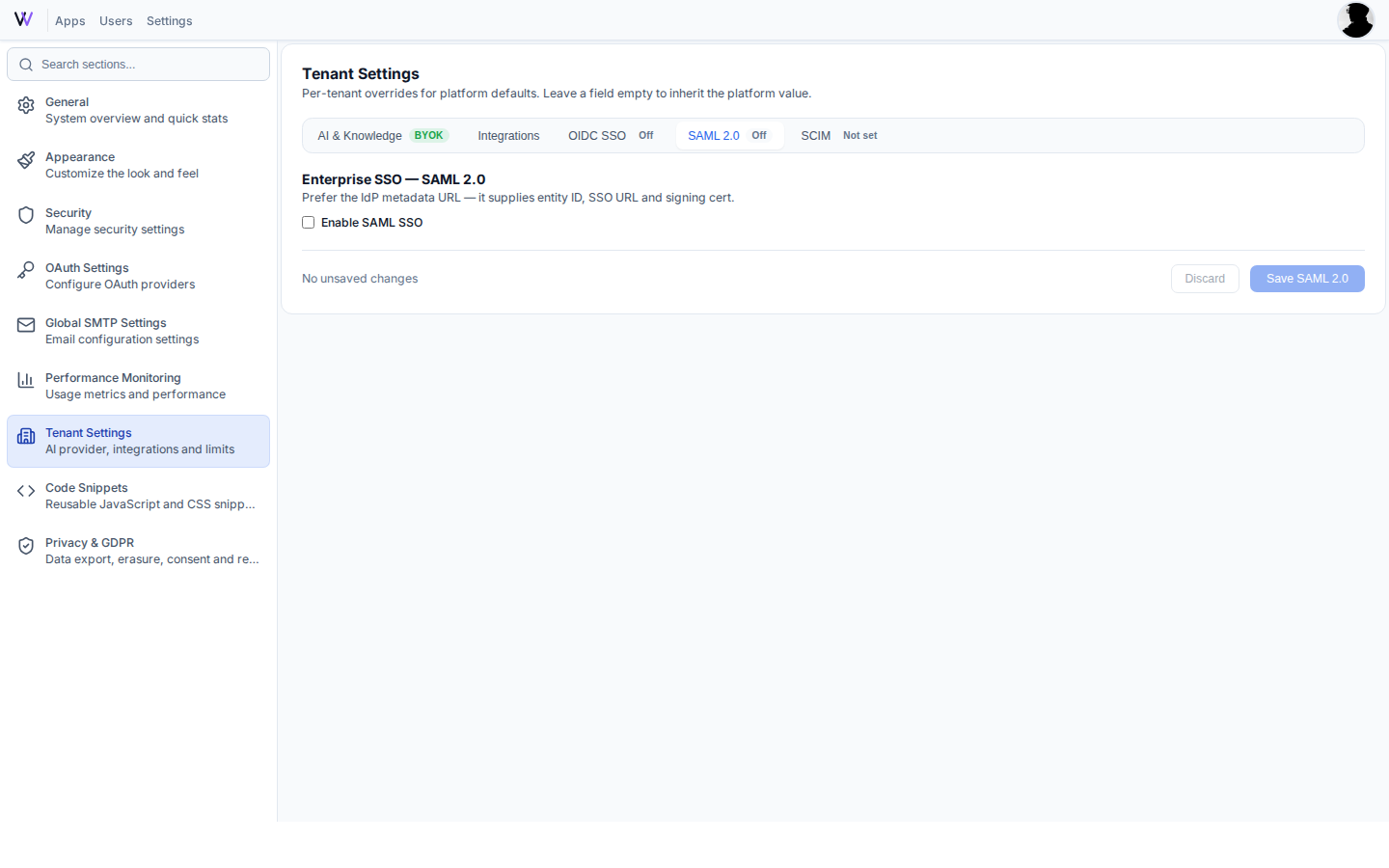
A new tenant doesn't inherit someone else's choices, and changing yours touches nobody else's.
What this doesn't cover yet
Verified-in-code limits and honest caveats:
- Subdomain resolution reads the first hostname label. Custom-domain and bare-IP deployments lean on the explicit hint or the session-token claim — the subdomain path only works when the URL actually has one.
- The membership check is the boundary — and it's per-tenant accounts. Access is decided by finding you in that tenant's user records. There is no single login that roams across tenants; being somebody in one workspace makes you nobody in another.
- Shared-schema isolation is a discipline, not a physics. On self-hosted, the guarantee is "every query carries the tenant predicate" — which holds across the codebase today, but it's the kind of guarantee reviewers should know is application-enforced. If your threat model needs storage-level separation, that's the managed-cloud/self-contained deployment conversation.
- Tenant deletion cascade is unverified. Some tenant-scoped records have explicit delete-by-tenant paths, but we haven't confirmed a full teardown removes every stamped document.
- Unverified: how the platform treats requests that resolve no tenant at all on authenticated routes — the resolution chain can return empty, and what each downstream handler does with that isn't uniform in code.
Next in the series: auth in Workcraft — JWT sessions, per-tenant OAuth, and how per-app roles stack on top of tenant membership.
Want to try it? Get a demo workspace or read the docs.