Blog · 2026-11-17
Wiring External MCP Servers into Workcraft's AI Agent Flows
Model Context Protocol turns 'things your agents can do' into an integration surface you control.
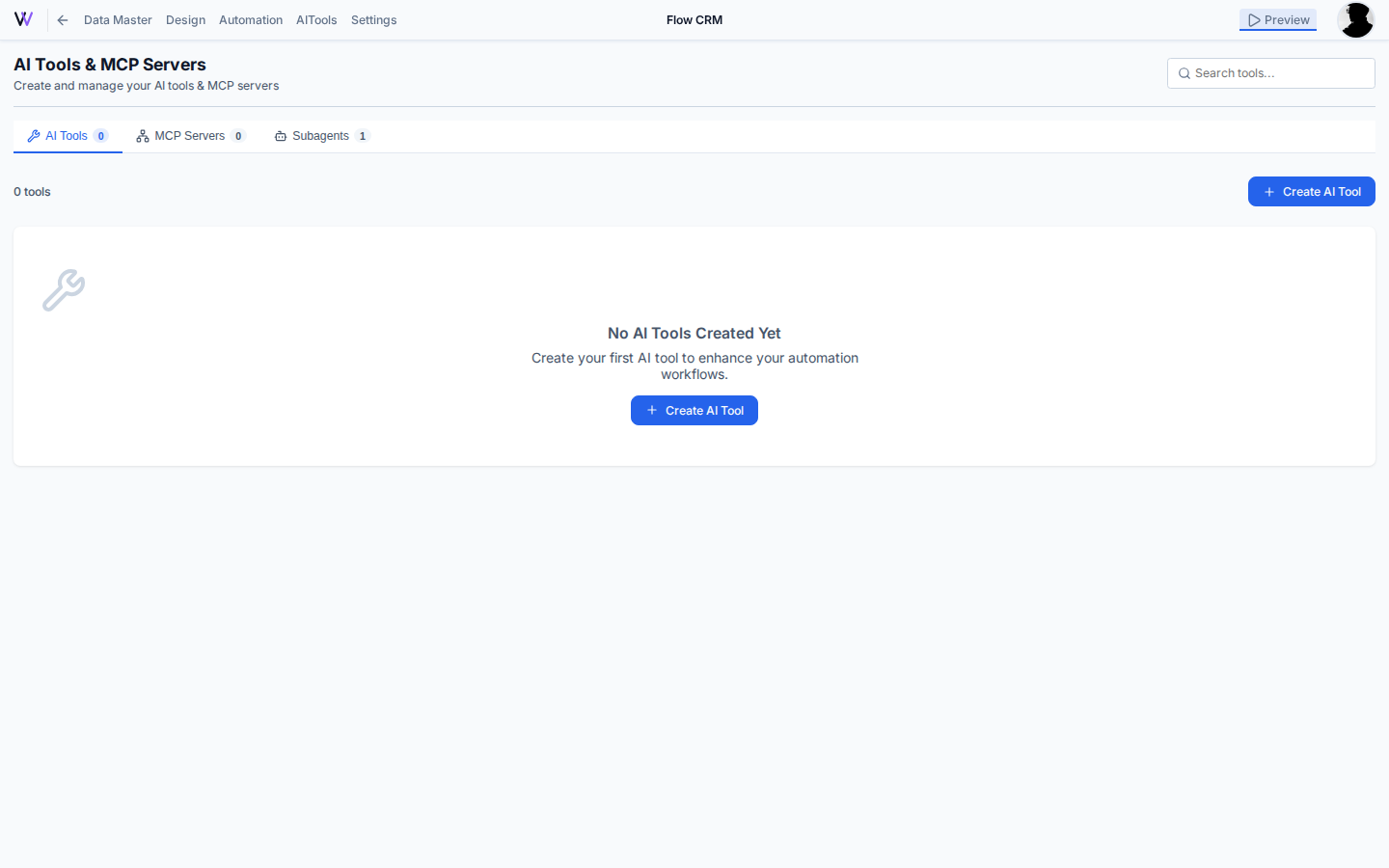
Your AI agent nodes can call more than the built-in tools. Workcraft supports the Model Context Protocol (MCP) — register an external MCP server once, discover its tools, and wire them into AI agent flows alongside the platform's own tool types. This post covers the whole path: standing up a test server, registering it, and handing one of its tools to an agent.
The moving parts
- MCP server registration — per-app, managed in the app's settings. A saved config holds the server URL and its metadata.
- Tool discovery — you can list a server's tools before you register it (to see what you're getting) and after (to pick the tools to wire up).
- Connectivity check — a one-click test verifies the server answers before you trust it in a flow.
- AI tool wiring — an AI tool bound to an MCP node points at a specific tool on a specific server, with an input schema describing its parameters, so an agent can call it. MCP tools are available to OpenAI, LM Studio, and Gemini agent nodes.
- Direct execution — a test-run option invokes a tool directly, useful for debugging without running a whole flow.
Stand up a test server
MCP servers speak JSON-RPC over HTTP — the protocol handshake, a tool listing, and tool invocation. Any standards-compliant MCP server works; for a local test, a tiny throwaway server that answers the three protocol calls plus a health check is enough to exercise the integration end-to-end without standing up a real dependency.
Register it in Workcraft
In the app's MCP server settings, add a registration — it needs a display name and the server URL — the MCP servers docs detail what a registration stores. Once saved, run the connectivity test and browse the tool inventory it reports. If the test fails, fix the server before wiring anything to it.
Hand a tool to an AI agent
Next, create an AI tool that points at one tool on that server. The fields that matter:
- Name and description — the description is what the agent's model reads when deciding whether to call the tool. Write it for the model, not for humans: "Looks up stock levels by SKU" beats "Inventory helper".
- Server and tool name — which registered server, and which of its tools to invoke.
- Input schema — a JSON Schema describing the tool's parameters; the model fills this in when it calls the tool.
Once the tool exists, attach it to an AI agent flow node the same way you'd attach the built-in datetime, calculator, email, or flow tools — the AI agents & tools docs cover wiring tools onto agent nodes.
Why bother
MCP turns "things the agent can do" into an integration surface you control: wrap an internal API, a database read path, or a vendor service behind a small JSON-RPC server, and every agent in the app can use it without custom platform code. Subagents get the same treatment — a subagent-type AI tool can carry its own model, system prompt, and an allow-list of tools that may include your MCP tools, so a delegated agent only gets the capabilities you grant.
Honest caveats: MCP tools currently attach to OpenAI, LM Studio, and Gemini agent nodes — check your agent type before designing around one. And the server is a runtime dependency: if it goes down, tools fail at execution time, so keep the connectivity test in your ops loop.
Want to try it? Get a demo workspace or read the docs.