Blog · 2026-11-17
Building a Full App from a Sentence: Workcraft's Stage-Based AI App Generation
Describe an app in plain English; get a working app you can inspect and edit at every stage.
If you can describe an app, you shouldn't have to build it from scratch. Workcraft's AI App Generation takes a natural-language description and produces a working application — pages, data sources, roles, menu, the lot. This post walks through how the pipeline works, what it produces at each stage, and where you should keep your hands on the wheel.
What the pipeline actually does
Workcraft's generation is stage-based, not a single black-box prompt:
Conversational requirements → Planning → Data Sources → Pages → Roles → Menu → Header/Footer → ValidationUnder the hood:
- Spring AI with OpenAI as the default model provider (
spring.ai.openai.chat.options.model). - A set of dedicated generation services in the backend — an orchestrator plus generators for pages, data sources, menus, and roles, with a validation pass at the end.
- AI builder tools that drive the platform's own page builders — the same builders available in the UI.
That last point is the interesting architectural choice: the AI doesn't invent page structures from raw JSON — it drives the platform's own builders. A generated form is a form the form builder could have made.
Generate your first app
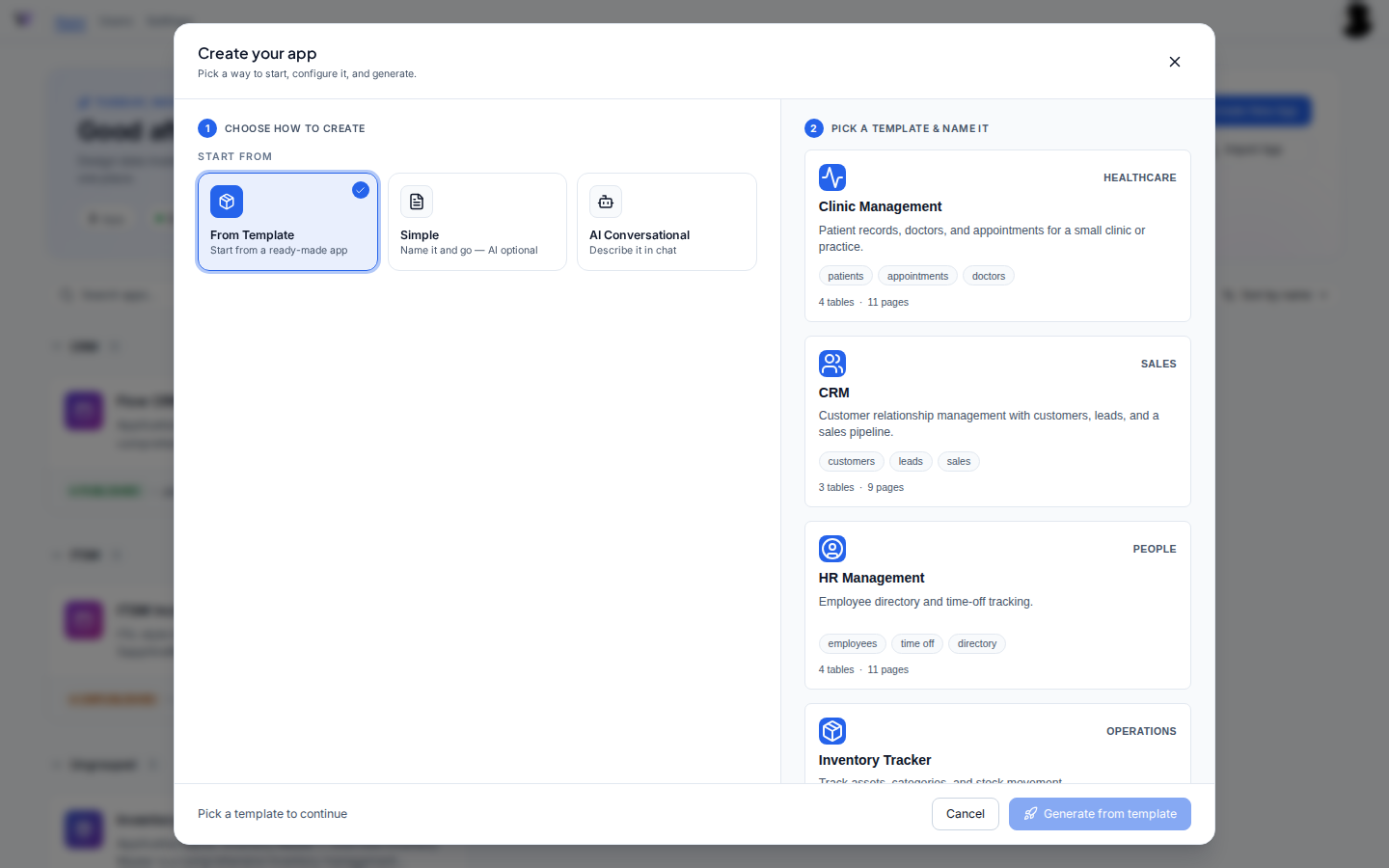
- Describe the app. Write what the app is for, not just what screens it has — e.g. "an asset-tracking app for our IT team: technicians check equipment in and out, admins see overdue items on a dashboard." The requirements stage converses with you to firm up what you mean; the more concrete your entities and user roles, the fewer round-trips.
- Watch the stages run. Generation proceeds through the documented stage order — plan, then data sources, pages, roles, menu, header/footer — and you can inspect the output at every step rather than waiting for one big reveal.
- Review the validation pass. The pipeline ends with a validation stage that cross-checks the generated app before it's handed back to you.
- Open the app and edit manually. The generated app is a normal Workcraft app — every page, data source, and menu entry is editable in the standard builders. AI generation is a starting point, not a locked output.
What it's good at vs. where you'll edit
| Stage | AI output | What you'll likely still do |
|---|---|---|
| Data sources | Creates tables and columns | Review custom column types (Ref, AutoId, formula-adjacent fields) and seed data |
| Pages | Generated via the platform's page builders (form, list, dashboard, HTML, kanban, calendar, chat, master-detail) | Adjust validation rules and visibility rules |
| Roles | Per-app roles with read/write/delete/admin permissions | Tune which users are assigned to which role |
| Menu | Menu structure | Reorder, rename |
There's also an assistant, not just a generator
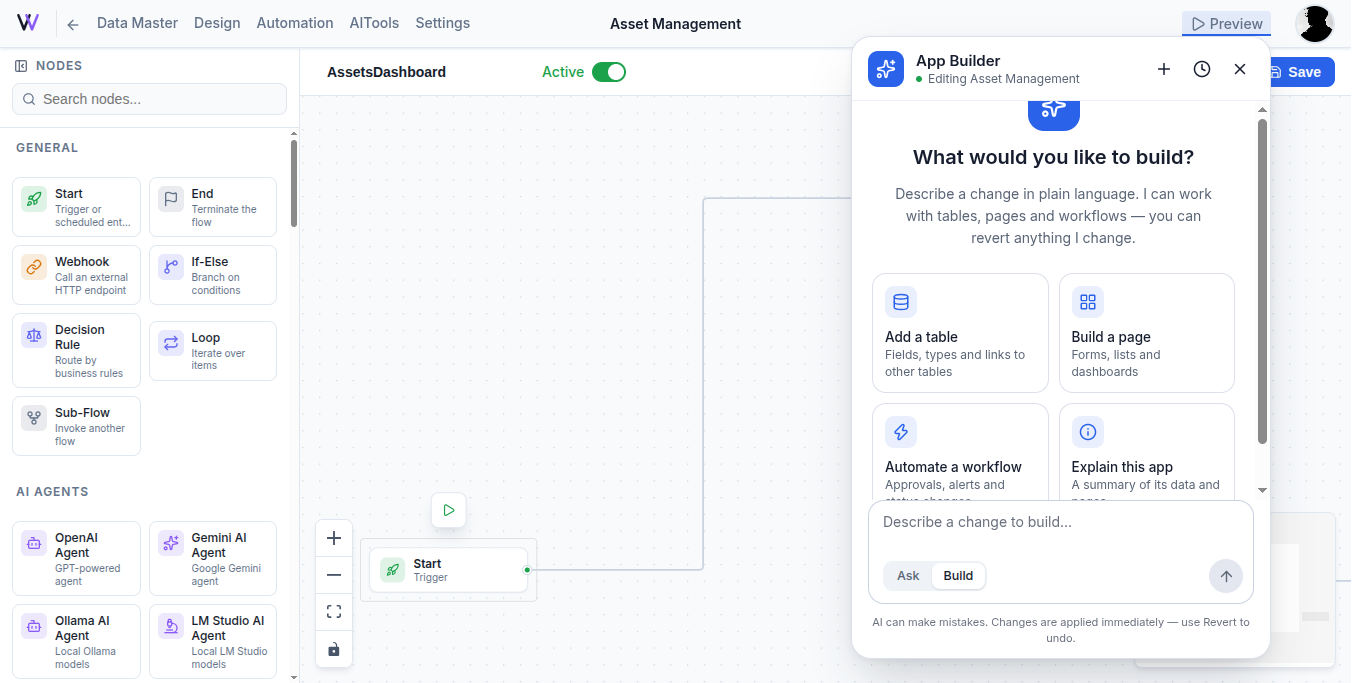
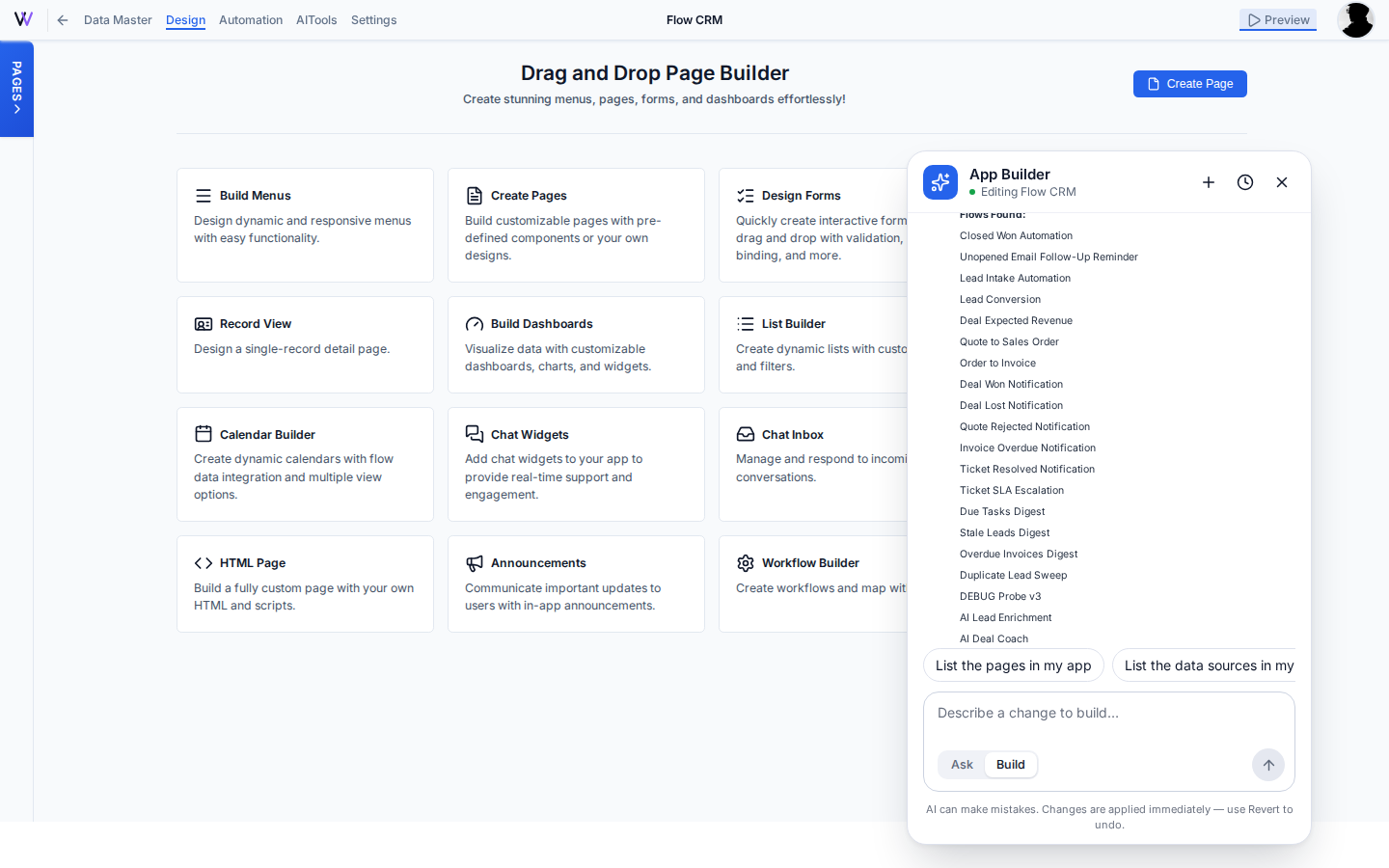
Generation isn't the only AI surface. A floating AI assistant is available inside the builder for questions and small edits as you work — it's a copilot for iterating, while the generation pipeline is for cold-starting a whole app.
Why the stage design matters
Three reasons to like this over a single-shot generator:
- Composability. Each stage owns one concern — pages, data sources, roles, menu — so a bad plan fails early instead of producing a subtly broken app.
- Validation as a stage, not an afterthought. The cross-check sits in the pipeline, not behind a "regenerate" button.
- Same builders as humans. Generated apps don't create a parallel app format — what AI makes, you can edit; what you make, AI can extend.
Honest gaps: generation quality depends on how concrete your requirements are — vague prompts produce generic apps you'll rework. Multi-model generation beyond the default provider isn't something we've verified end-to-end; LLM provider choice in flow nodes (OpenAI, Gemini, Ollama, LM Studio) is separate from the generation pipeline.
Want to try it? Get a demo workspace or read the docs.